How to share your iCloud photos
 1
Open Photos and tap Select
Open the Photos app on your iPhone, tap 'Select' in the top right corner.
 2
Select photos and tap Share
Select the photos you want to share, then tap the share icon at the bottom left.
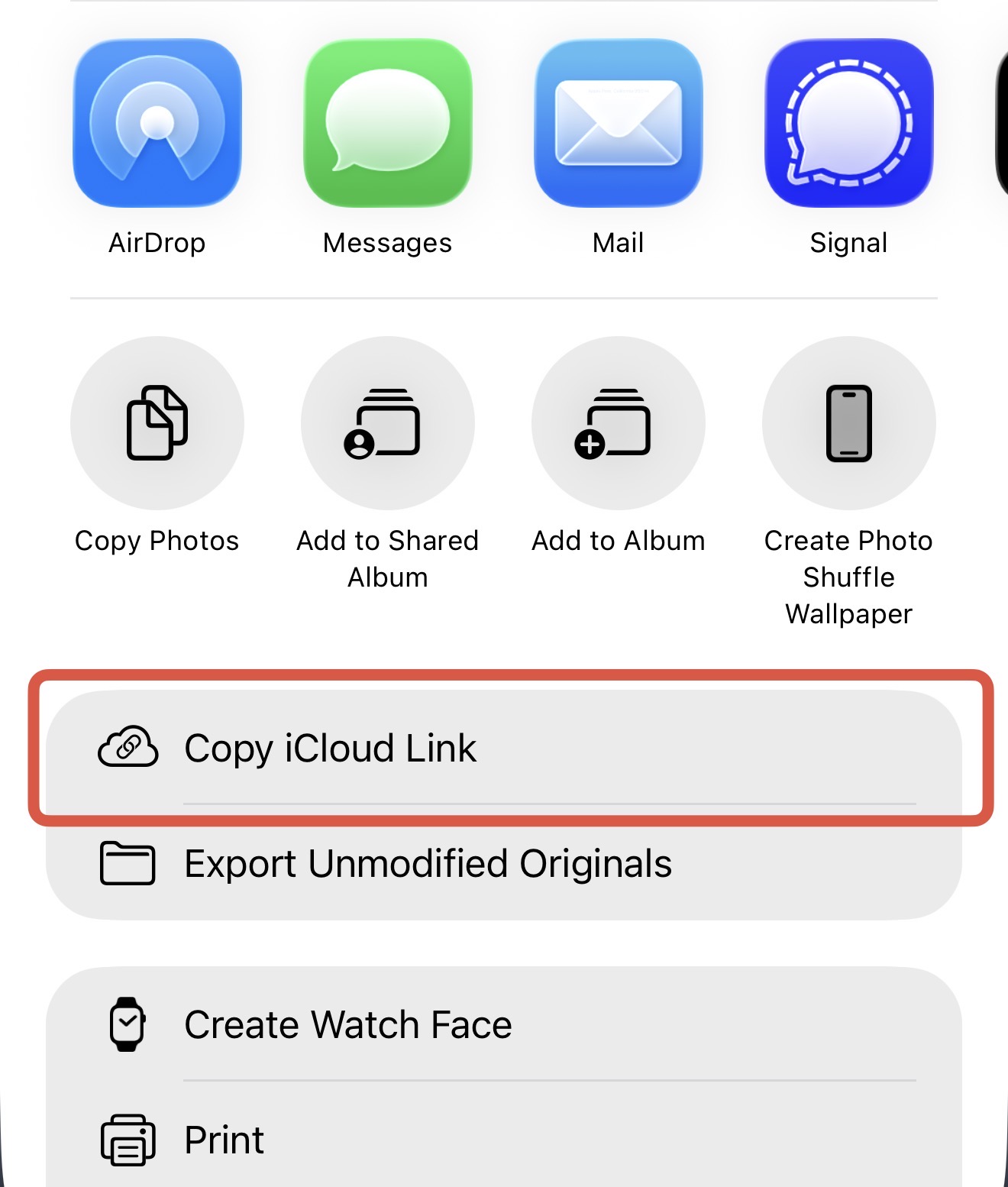 3
Copy iCloud Link
Scroll down in the share sheet and tap 'Copy iCloud Link'. The link will be copied to your clipboard.
C & E
Share your photos with us
✦
Submitted photo links
🔒
Enter the password to view submitted links
Hint: our new last name